<%>
Regional Namespaces Enlear
Amazon S3 Account Regional Namespaces
EnlearAmazon S3 Account Regional Namespaces
Simplifying S3 Bucket Naming Across AWS Regions
May 4, 20262 min readRead
Core AWS Services You Must Know as a Developer AWS looks exciting from a distance. Then you open the console for the first time and see a long list of services, categories, and unfamiliar names. EC2 …
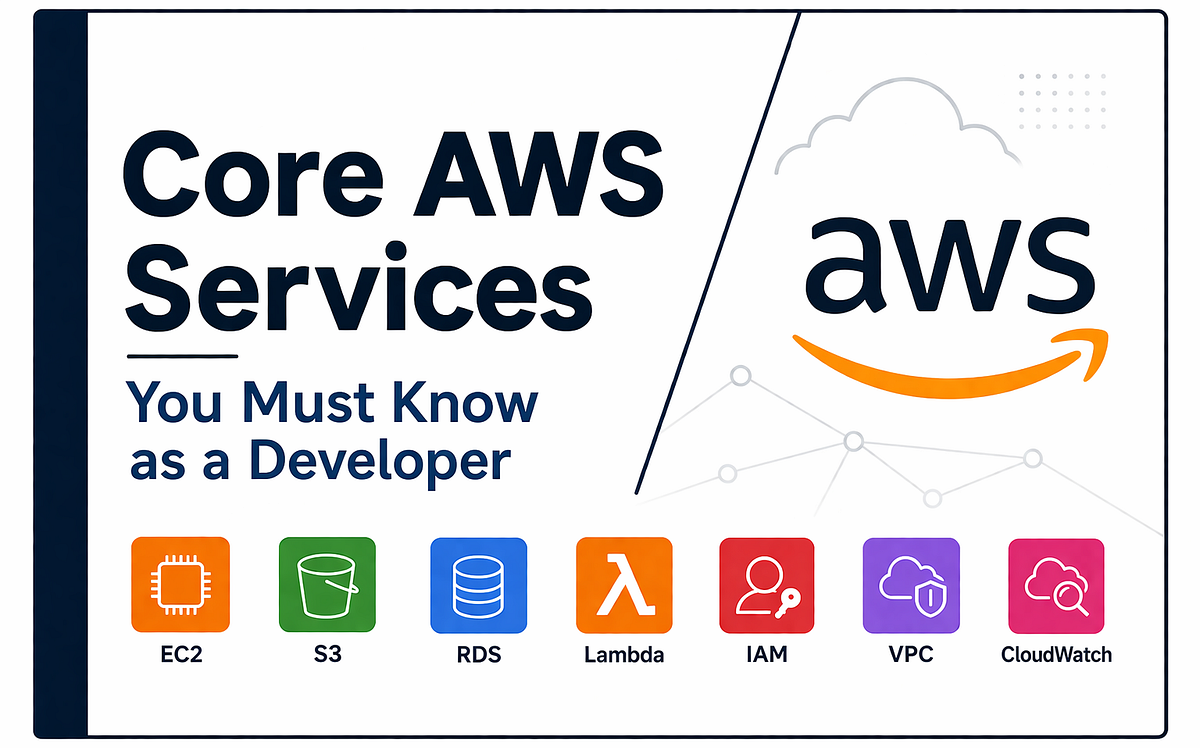
AWS looks exciting from a distance. Then you open the console for the first time and see a long list of services, categories, and unfamiliar names. EC2. S3. Lambda. VPC. IAM. RDS. CloudWatch. For a new developer, it does not feel like a clear starting point. It feels like a platform that expects you to know its language already.
That is where many developers go wrong. They try to learn AWS by memorizing service names. Real engineering work does not happen like that. You do not wake up and say, “Today I will study six cloud services.” You start with a product problem. You need a place to run code. You need a place to store files. You need a database. You need access control. You need logs when things break.
That is the right way to learn AWS.
AWS is large, but the first layer is simple. As of April 2026, AWS says its cloud spans 39 geographic Regions and 123 Availability Zones. Each Region is a separate geographic area, and Availability Zones are isolated locations within a Region. That structure matters because it shapes how you think about latency, resiliency, and where your app runs.
If you are a developer, there are a few services you should understand early. Not every service. Not every edge case. Only the ones that show up in real builds again and again.
Amazon EC2 is AWS’s compute service for launching virtual servers. AWS describes it as on-demand, scalable computing capacity in the cloud. In plain terms, EC2 gives you a machine where you control the operating system, runtime, packages, app process, and deployment flow.
If you have deployed a Node.js API on a Linux server, a Java service on Ubuntu, or an internal tool that needs full control over the environment, you already understand the value of EC2. It feels familiar because it is close to traditional server management, except you are renting infrastructure instead of buying hardware.
EC2 is a strong fit when:
The tradeoff is responsibility. With EC2, you deal with patching, scaling decisions, process management, and a bigger part of the operational surface. That does not make EC2 bad. It makes EC2 honest. You get control, and with control comes work.
Amazon S3 is AWS’s object storage service. AWS describes it as storage built for scalability, data availability, security, and performance. It is widely used for files, backups, static assets, logs, data lakes, and archive workloads.
Developers often make mistakes early. They treat S3 like a regular server folder. It is not a mounted disk as many beginners first imagine. It is object storage. You store objects in buckets, retrieve them by key, and design around that model.
Once that clicks, S3 becomes one of the most useful services in AWS.
Think about common product needs:
That is S3 territory.
One reason S3 matters so much is that it separates file storage from compute. Your API server should not become a fragile warehouse for user uploads. Put files in S3, keep compute focused on request handling, and your architecture gets cleaner.
Amazon RDS is AWS’s managed relational database service. AWS says it makes it easier to set up, operate, and scale a relational database in the cloud, while handling common administration tasks such as provisioning, backups, configuration, and patching. It supports popular engines including PostgreSQL, MySQL, MariaDB, Oracle, SQL Server, and Db2.
For many application teams, RDS is the right first database choice because it lets you keep SQL and relational modeling without carrying the full burden of self-managed database infrastructure.
That matters more than people admit. Running a database well is not a side task. Backups matter. Maintenance windows matter. Patching matters. Failover matters. Read replicas matter. Storage performance matters.
RDS does not remove database engineering. Query design, indexing, schema decisions, and transaction thinking still belong to you. What it removes is a large chunk of infrastructure labor around the database layer.
If your app has users, orders, payments, bookings, inventory, or any other structured business data, RDS is often the first AWS database service worth learning deeply.
AWS Lambda is a serverless compute service that runs code without managing servers. AWS states that Lambda runs code in response to events, scales automatically, and charges based on requests and execution duration.
This is where many modern AWS architectures start to feel different from older server setups.
With Lambda, you do not provision a machine and keep it alive. You write a function, connect it to a trigger, and let AWS run it when needed. The trigger might be an API request, an S3 upload, a scheduled event, a queue message, or a database stream.
Lambda works well for:
Yet Lambda is not the answer to every computing problem. If your workload is long-running, stateful, highly customized at the OS level, or difficult to package into short event-driven units, EC2 or containers may fit better. Good AWS design is rarely about choosing the newest service. It is about choosing the service that matches the workload.
Use this quick map:
A lot of beginner AWS content focuses only on compute and storage. Real systems fail because teams ignore access, networking, and observability.
AWS Identity and Access Management, or IAM, is the service for authentication and authorization across AWS resources. AWS describes IAM as the service that helps you securely control access to AWS resources and manage permissions for users, roles, and applications.
In project terms, IAM answers questions like:
Teams that treat IAM as an afterthought create messy, risky systems. Teams that take IAM seriously build cleaner boundaries from day one.
Amazon VPC is a logically isolated virtual network for your AWS resources. AWS notes that after creating a VPC, you add subnets, gateways, route tables, and security settings, and each subnet belongs to a single Availability Zone.
You do not need to become a network specialist on day one. Still, you should know what a VPC is doing for you. It defines where resources live, which resources stay private, which ones face the internet, and how traffic moves between them.
A common pattern looks like this:
That structure matters because good cloud architecture is not only about running code. It is about placing resources in sensible, defensible boundaries.
Amazon CloudWatch provides monitoring and observability for AWS resources and applications in real time. AWS documentation highlights metrics, logs, alarms, dashboards, and wider observability features.
This is the service new teams skip until the first production issue. Then they learn fast.
If your app slows down, crashes, retries, times out, or starts producing strange latency spikes, CloudWatch becomes part of the conversation. Without logs, metrics, and alarms, debugging in production turns into guesswork.
Experienced engineers do not treat observability as polish. They treat it as part of the build.
Imagine a small product: a web app where users sign in, upload documents, and view a dashboard.
A sensible AWS starting architecture might look like this:
That is already enough to understand the core AWS story. Compute. Storage. Database. Identity. Network. Observability.
There is one more idea worth keeping in view. AWS uses a shared responsibility model. AWS is responsible for the security of the cloud infrastructure, while customers remain responsible for security in the cloud, based on the services they choose and how they configure them.
That distinction matters. Moving to AWS does not remove engineering responsibility. It shifts where responsibility sits.
Do not try to study AWS as a giant catalog. Learn it as a working system.
Start with these questions:
If you learn AWS through those questions, the platform starts to feel smaller, clearer, and more practical.
For most developers, the first services worth knowing are EC2, S3, RDS, Lambda, IAM, VPC, and CloudWatch. Learn what problem each one solves. Learn how they fit together. Learn where the tradeoffs sit. That gives you a solid base for everything else in AWS.
A version of this article was first published on April 9, 2026 on Medium.
EnlearSimplifying S3 Bucket Naming Across AWS Regions
EnlearWhat Is Amazon S3 Vectors? Use Cases, When to Use It, and Cost Amazon S3 Vectors is AWS’s managed service for storing and searching vector embeddings inside the S3 ecosystem. In simple terms, it …
EnlearA Practical Way to Manage Reusable Templates in Serverless Apps