Cloud storage is at the heart of modern applications, and Amazon S3 (Simple Storage Service) has long been one of the most widely used services for storing and managing data at scale. However, one small limitation has consistently frustrated developers: S3 bucket names must be globally unique.
If you’ve ever tried creating a bucket in Amazon S3 and got hit with the error: ‘Bucket name already exists’, you already know the struggle.
You try a clean name like my-app: it’s taken. Then my-app-2026: also taken.
Eventually, you end up with something like: my-app-final-v2–2026, not exactly elegant.
But recently, Amazon Web Services introduced a small yet powerful feature that changes everything:
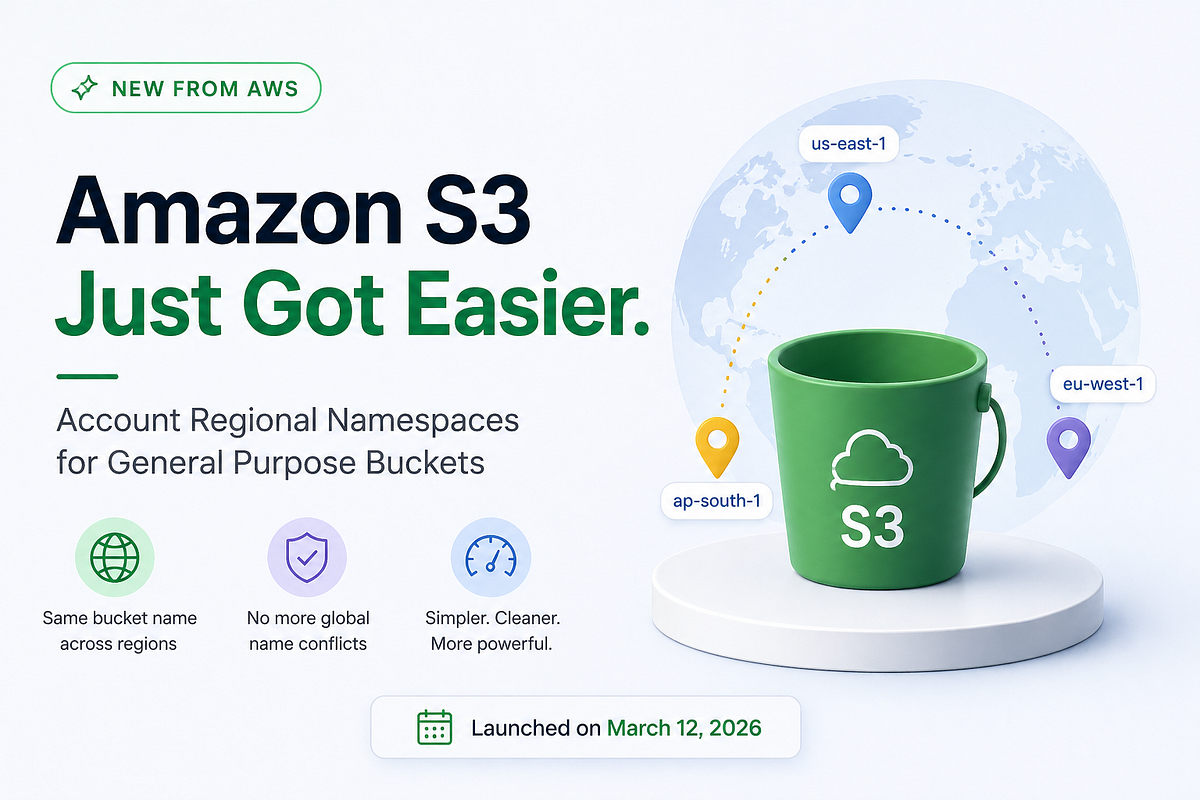
Account Regional Namespaces for S3 General Purpose Buckets
The Problem: Global Namespace Limitation
Before this update, S3 bucket names had to be Globally unique across All AWS users
What that meant:
If anyone in the world created:
my-app
You couldn’t use it Ever.
Why this was frustrating:
- You had to guess unique names
- Clean naming was nearly impossible
- Multi-region setups became messy
- Teams ended up with inconsistent naming conventions
The Solution: Account Regional Namespaces
Now, AWS introduces Account Regional Namespaces;
In simple terms, you can now create S3 buckets where names are unique within your AWS account and within a specific region. Not globally anymore.
Before (Global Namespace):
AWS Global Space┌──────────────────────────────┐│ my-app-data ❌ Taken ││ user123-data ❌ Taken ││ random-name ❌ Taken │└──────────────────────────────┘You must find a unique name globally
After (Account + Region Namespace):
Your AWS Account Region: us-east-1┌──────────────────────┐│ my-app-data ✅ │└──────────────────────┘Region: eu-west-1┌──────────────────────┐│ my-app-data ✅ │└──────────────────────┘Same name. No conflict. Clean.
How to use this…
You can use the same bucket name across different regions in your account.
Example:
Create bucket in US East:
aws s3api create-bucket \ --bucket my-app \ --region us-east-1
Create same name in EU:
aws s3api create-bucket \ --bucket my-app \ --region eu-west-1
Result:
- Same name
- Different regions
- No conflicts
Things to keep in mind:
- Names are still unique within a region + account
- Existing globally named buckets remain unchanged
- This applies to general purpose buckets (not all bucket types)
Conclusion
With the introduction of Account Regional Namespaces, Amazon Web Services has removed one of the longest-standing pain points in Amazon S3. What used to be a frustrating naming exercise is now a predictable and scalable approach, especially for multi-region architectures. As applications continue to grow across regions, this small change will make a big difference in how we design, organize, and manage storage.
 Enlear