<%>
AWS Enlear
Handlebars with AWS Lambda Layers
EnlearHandlebars with AWS Lambda Layers
A Practical Way to Manage Reusable Templates in Serverless Apps
March 23, 202611 min readRead
A Simple Way to Build Reusable HTML Templates
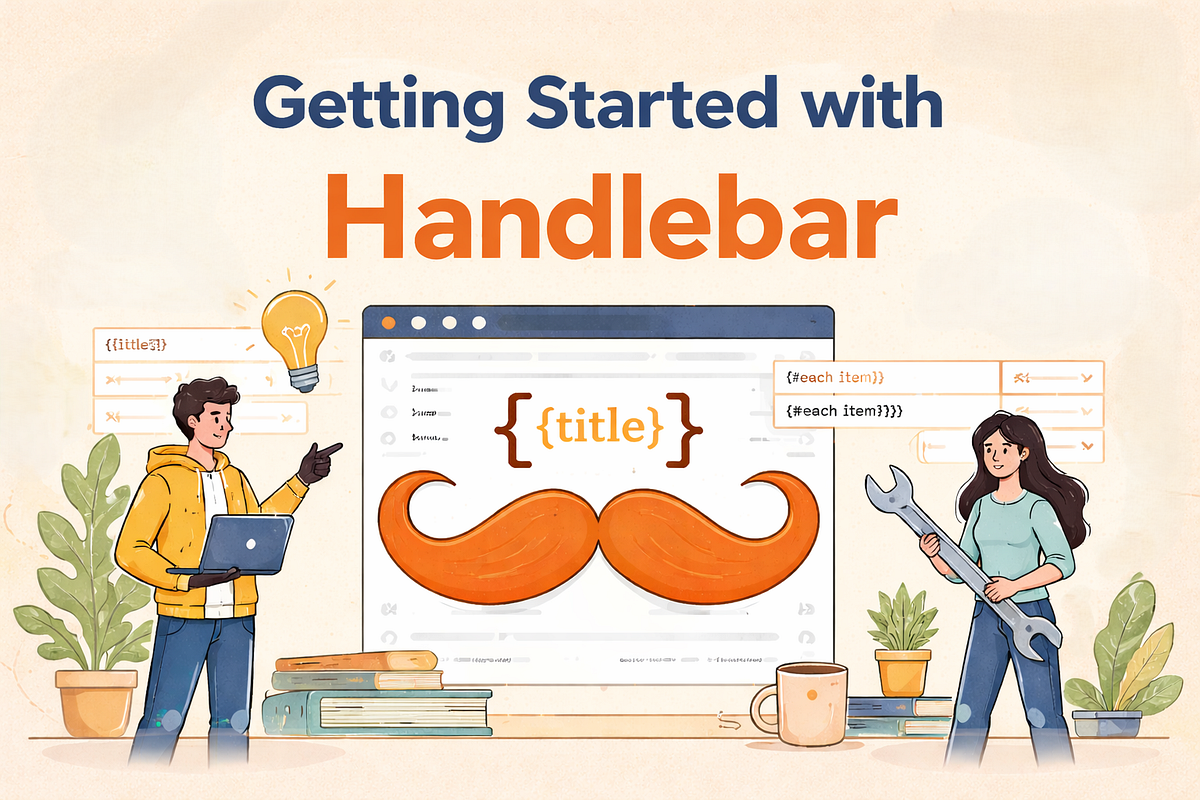
When you need to generate HTML dynamically, things can get messy fast.
Maybe you are building emails. Maybe you are creating PDF reports. Maybe you are rendering data from a backend into a clean layout. At first, writing plain HTML strings feels easy. But after a while, it becomes hard to read, hard to update, and easy to break.
That is where Handlebars helps.
Handlebars give you a simple way to create templates and fill them with dynamic data. Instead of mixing logic everywhere, you can keep your structure clean and your content flexible.
In this article, we will look at what Handlebars is, why people use it, and how to get started with it in a practical way.
Handlebars is a templating engine.
It lets you write a template with placeholders and then replace those placeholders with real data when the template is rendered.
For example, instead of hardcoding a user’s name in HTML, you can write a placeholder and let Handlebars insert the actual value later.
A simple Handlebars template looks like this:
<h1>Hello, {{name}}!</h1>
If the data is:
{ "name": "John"}
The final output becomes:
<h1>Hello, John!</h1>
That is the basic idea. You write the structure once and then reuse it with different data.
Handlebars are useful because it keeps templates easy to understand.
Instead of building long HTML strings in JavaScript or backend code, you can write templates that look close to normal HTML. That makes them easier to read and maintain.
Here are a few reasons people like using it:
Your HTML stays readable because dynamic values are inserted with simple placeholder syntax.
You can use loops, conditions, and helpers to avoid repeating the same code again and again.
Handlebars are commonly used for:
This is probably the biggest benefit. Your template focuses on structure, while your application provides the data.
Handlebars works with two main things:
The template defines the layout and placeholders.
The data object contains the real values.
When Handlebars compiles the template and applies the data, it returns the final HTML.
The usual flow looks like this:
Simple, but very powerful.
Let’s go through the most common Handlebars features.
Variables are the easiest part of Handlebars.
<p>Name: {{name}}</p><p>Email: {{email}}</p>
With this data:
{ "name": "Sarah", "email": "sarah@example.com"}
The output becomes:
<p>Name: Sarah</p><p>Email: sarah@example.com</p>
You can also access nested data.
<p>Company: {{company.name}}</p><p>Country: {{company.country}}</p>
Data:
{ "company": { "name": "Enlear", "country": "Sri Lanka" }}
Handlebars let you show content only when a condition is true.
{{#if isActive}} <p>User is active</p>{{else}} <p>User is inactive</p>{{/if}}
This is useful when some sections should appear only for certain data.
You can loop through arrays using each.
<ul> {{#each skills}} <li>{{this}}</li> {{/each}}</ul>
Data:
{ "skills": ["HTML", "CSS", "Handlebars"]}
Output:
<ul> <li>HTML</li> <li>CSS</li> <li>Handlebars</li></ul>
You can also add comments inside templates.
{{! This is a Handlebars comment }}
These comments are not included in the final output.
Let’s say you want to create a simple profile card.
Here is the template:
<div class="card"> <h2>{{name}}</h2> <p>Role: {{role}}</p> {{#if bio}} <p>{{bio}}</p> {{/if}} <h3>Skills</h3> <ul> {{#each skills}} <li>{{this}}</li> {{/each}} </ul></div>
And here is the data:
{ "name": "Nimal", "role": "Frontend Developer", "bio": "Builds clean and responsive web interfaces.", "skills": ["React", "MUI", "Handlebars"]}
The final result is a ready-to-render HTML block.
<div class="card"> <h2>Nimal</h2> <p>Role: Frontend Developer</p> <p>Builds clean and responsive web interfaces.</p> <h3>Skills</h3> <ul> <li>React</li> <li>MUI</li> <li>Handlebars</li> </ul></div>
This is where Handlebars starts to feel really useful. You can design the layout once and keep changing only the data.
You may not use Handlebars for every frontend project today, but it is still very useful in many real-world cases.
Emails often need dynamic usernames, order details, dates, or status messages. Handlebars make that easier.
If you generate PDFs from HTML, Handlebars is a great way to build report templates with dynamic data.
Many backend systems use Handlebars to render HTML before sending it somewhere else.
For systems that generate summaries, invoices, assessments, or dashboards, Handlebars provides a clean template structure.
When starting with Handlebars, a few things can be confusing.
Handlebars works best when templates stay focused on presentation. If the template becomes full of display logic, it becomes harder to maintain.
Try to prepare your data before passing it to the template.
If your template uses {{company.name}}, your data must match that structure exactly. Even a small mismatch can make values disappear.
For small templates, repetition may feel harmless. But in larger templates, partials save a lot of time.
If you are just getting started, these habits will help:
A good Handlebars template should be easy to read even for someone seeing it for the first time.
Some people hear “templating engine” and think it sounds old-fashioned.
But the problem Handlebars solves is still very real.
Whenever you need to combine a fixed layout with changing data, templating becomes useful. And Handlebars remains one of the easiest tools for doing that cleanly.
It is not about being trendy. It is about being practical.
If your project includes generated HTML, reports, emails, or reusable content blocks, Handlebars is still a very good choice.
Handlebars are simple, and that is exactly why it is useful.
You do not need a huge framework to benefit from clean templates. Sometimes you just need a reliable way to insert dynamic data into a well-structured layout.
That is what Handlebars gives you.
It helps you write templates that are easier to read, easier to reuse, and easier to maintain.
LinkedIn: https://www.linkedin.com/in/pathumscj
A version of this article was first published on March 20, 2026 on Medium.
EnlearA Practical Way to Manage Reusable Templates in Serverless Apps
EnlearWhy Permissions Feel Confusing in Amplify
EnlearPDFs Generate with Puppeteer and Amazon S3 Learn how to use Puppeteer with Amazon S3 Bucket to generate PDFs, screenshots, and store files securely in AWS. Many teams need a simple way to generate …